

When designing with AI, I’ve used a wide spectrum of tools for prototyping including v0, Google AI Studio, Figma Make, Bolt, and Magic Frames. I’ve used them properly mind you and not just poked around.
I’ve had good results with most of them. And for a long time, they made sense. You can start immediately, no setup, something on screen in minutes. For a designer constrained for time, that’s genuinely appealing.
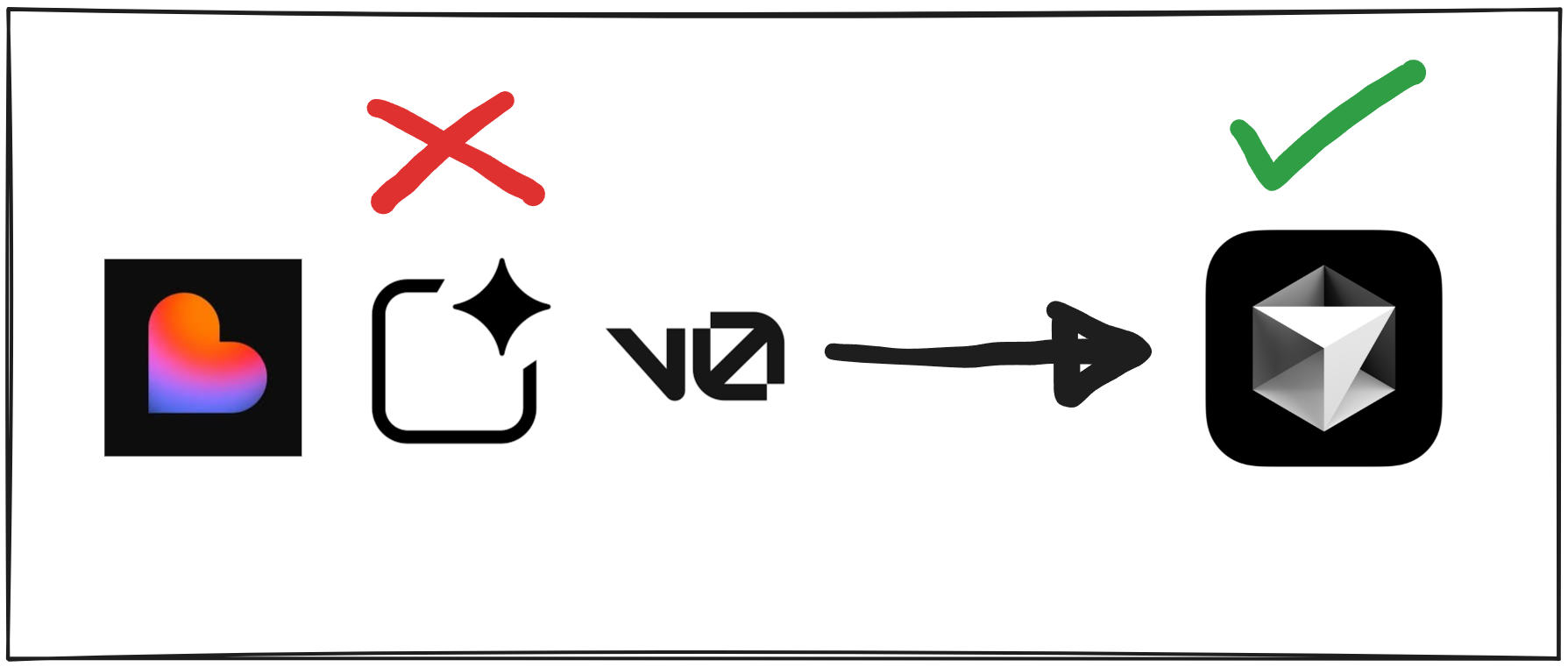
But I find myself gravitating toward Cursor lately. Not that I’ve done serious prototyping with Cursor before. Honestly I’ve always felt the setup overhead was too much compared to tools where I could just start. The others were far more intuitive for someone who wants to move fast.
So what changed?
Workflow
I always use a chat AI tool as my thinking partner — a UX co-pilot. I used to use ChatGPT for this, and I have a whole article on how I brainstorm with it to create UX artifacts, all done in text first, then translated into visual artifacts in FigJam or Figma.
The reason for the visual layer was mostly human readability. I’d then export those Figma artifacts as PDFs, feed them back into the AI to generate the next artifact in the chain, and eventually use everything together to write a PRD. That PRD, alongside a lightweight design system and a rough roadmap, became the context package I’d hand off to whichever prototyping tool I was using at the time.
But of late I have moved to Claude, and rather than translating artifacts to visuals and making them PDFs, I just create everything as detailed .md files — problem statement, user archetypes, JTBD with needs, user flows, IA, and UI layout. I still translate them to FigJam when I need a human-readable layer, but the .md files themselves are the context (much better than PDFs).
Previously, the context I'd hand to a prototyping tool was a PRD, a lightweight design system, and a roadmap. That was enough to get started. A PRD touches on users, flows, and jobs — but briefly. It's a summary.
But with all artifacts now living as detailed .md files, its a full UX stack. It's aware of who the users are, what jobs they're doing, what flows they're walking through in entirety. That's a different quality of context entirely. More on that shortly.
💡Note:
In my experience, Claude has been significantly better at writing these artifacts than ChatGPT. More detailed, more thorough, better specifications. I still think ChatGPT has an edge in open-ended UX thinking, but for producing the actual artifact files, Claude wins clearly.
The tools
Figma Make is genuinely good. I’ve had massive success with it. It’s smart, mostly gets it right first time, handles complex flows and many screens without falling apart. The fidelity isn’t always exactly what I’d want, but the output is coherent and the tool is fast. Before credit limits, it was hard to argue against.
But 3,000 credits a month is peanuts. I can burn through it in 3 to 4 hours of deep work. And when it’s gone, it’s gone, just wait out the month or pay significantly more. That’s a constraint to always worry about.
Magic Frames had the same problem. A great tool — could feed a design system, good variations, solid results. But capped at 100 messages per plan (this was last year though, currently it says 1K monthly credits for the $20 plan), with no way to recharge other than to upgrade to a more expensive plan. Same wall, different price point.
Google AI Studio is free. Last year with Gemini 3.0 Pro I was getting decent results. These days the errors are frequent, the harness is unreliable, and the UI output is not quite there (sad, I was a big fan). That said, I still use it for quick throwaway mocks. It’s fast enough for testing a design direction early, and free makes that easy to justify. But establishing context is limited to instructions and maybe a PRD and DS file in the root folder. I can’t load too much context at once, and it shows.
v0, Lovable, and the rest have the same fundamental problem — tokens run out fast, costs add up, and you’re always starting from scratch.
Why I’m shifting to Cursor
Context
With Cursor, I can load the entire artifact stack into the project — every .md file. Not just the PRD. The flows, the JTBD, the user archetypes, the IA, the problem statement, all of it sitting in an artifacts folder the agent can read at any point. The tool isn't just briefed on what to build. It knows the entire UX of the product.
I also brainstorm inside Cursor before building anything. I use a detailed prompt that asks Cursor to interview me about what I'm building — it questions me top to bottom until it genuinely understands the product, not just the spec. The artifacts already loaded makes the questioning even better. That's a different quality of starting point.
Reusability
The second reason is reusability. Every other tool has you starting from scratch every single session. You're burning tokens re-establishing context and foundations before you've built anything. With Cursor, I set up a template once: a Next.js or React shell, ShadCN initialised and styled with my foundations, if I have them.
And if there's an established design system already in code, even better. I can pull that directly into the prototype. At that point the gap between prototype and production is very small.
If I have design tokens from Figma — colour, typography, number tokens exported as JSON — I can feed those directly in. If I don't have a design system, ShadCN gives me solid foundations to build on. Either way, the prototype ends up very close to how I'd want it to look in production. Close enough to hand off instead of Figma mocks (if needed, otherwise Figma Designs with design systems are required).
This repo is a template I duplicate for different modules, or build different modules within the same one. The setup cost pays forward across everything I build after.
Economics
Frontier models for writing docs, PRDs, and planning, and Auto or Composer (currently 2.5) for the actual building — that combination is very budget friendly. The Auto and Composer models give me a lot of leeway to build through the month. And when I run out, I can top up for the same $20. I don't get locked out mid-prototype. Mostly I can get through a month just fine if I'm efficient with the build models.
I have been using Composer 2.5 lately and it’s really good. Not very good at writing though.
The pattern across the other tools is the same. You hit a hard wall with no way to top up, top up is expensive or the tokens run out faster than the work demands. And because every session starts from scratch, you're burning a chunk of your allocation just re-establishing context before you've built anything meaningful. The inefficiency compounds every time.
💡Sharing your Cursor prototype
And if you think sharing a prototype built in Cursor is a problem — I can host it on Vercel with a preview URL in minutes and share it org-wide for people to play with. Or zip the repo and send it to engineers so they can run it locally.
Closing thoughts
The tools that let you start immediately are genuinely useful. I'm not writing them off. They have their use cases. But there's a ceiling to what and how much you can build with them. You hit that ceiling faster than you'd expect.
Cursor has a higher starting cost and I’ll admit it’s not as straightforward as the other AI prototyping tools. But once the template is set up and the context is loaded, every session builds on the last. And unlike the other tools, Cursor gives me granular control over the build.
I'm enjoying it so far. But this is still early days for me with Cursor as a prototyping tool, and I want to see how it genuinely pans out before I make any strong claims. More on this as I go.