
👨💻Post #10 (Design System Chronicles) - From Figma to Code
Translating Tenet UI from a design system on canvas to a system in code.

Design System Chronicles (Tenet UI)
Post #9 - Component design workflow | Post #10 - From Figma to Code | Post #11 Designing Behavior Before Code
Design System Chronicles - Phase 2
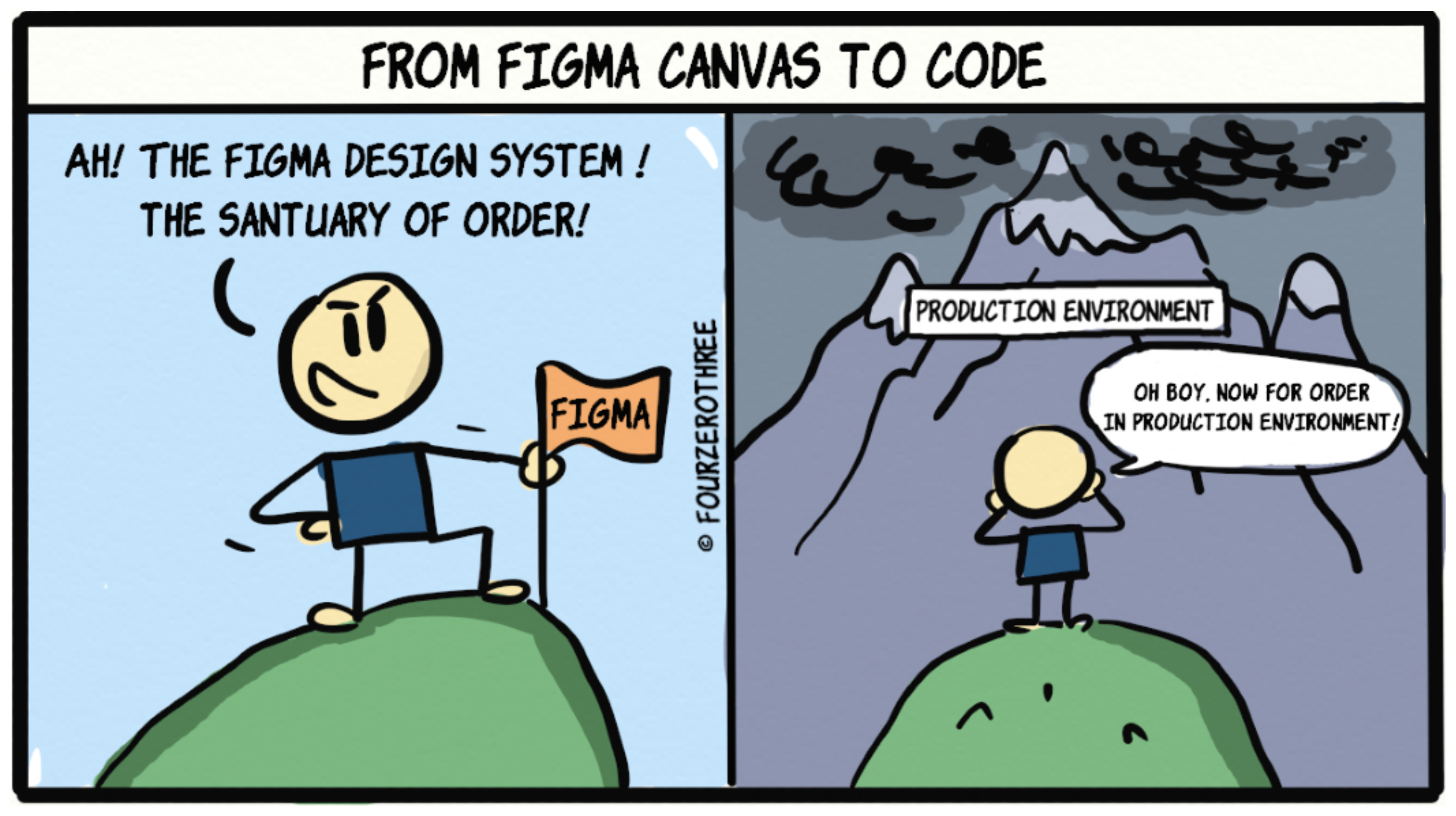
Lately, I’ve been spending my time building Tenet UI Studio.
The first nine posts in Design System Chronicles was about how I built Tenet UI - a design system in Figma.

Phase 2 is the next chapter of that journey → taking the same system and translating it into code.
The goal is simple (and slightly uncomfortable).
Tenet UI has tokens, components, variants, states, all neatly structured. Now I want to understand what that system actually looks like when it exists in code, not just on a canvas. And while doing that, I want to layer in a learning experience for designers.
I’m treating Tenet UI Studio as a learning experiment in a few directions at once.
I’m building the foundations and components directly in code. This is not as a production framework, but as reference-quality implementations.
Each component comes with copy-able code snippets that can be dropped into real projects.
This has been my way of slowly getting a hang of what a design system really means in code - how tokens flow, how components are composed, how states are handled, and all of that stuff.
Quite honestly, this has been tough. There are obvious knowledge gaps for me here. But that’s the point. This is my way of slowly getting a real handle on what a design system actually means in code.
A core idea I’m exploring is a split between two modes:
Use mode - when you just want to copy a code snippet of the component and move on
Learn mode - when you want to understand how the component works under the hood
Tooling
Tooling has played a big role in making this exploration possible.
ChatGPT has been my design co-pilot, helping me think through structure, sanity-check decisions, and reason in systems. I don’t know how to code, so I’ve also leaned on it heavily to answer silly questions and help close knowledge gaps.
Google AI Studio has been useful for visual direction and quick mockups.
Cursor will be where the real implementation happens (that part is honestly a little scary). And I plan to use Figma MCP inside Cursor to build components with proper Figma ↔ code parity.
Visually, I’m keeping things light and fun for v1 - leaning into a neo-brutalist direction inspired by Gumroad.
Right now, this is intentionally a small, low-stakes project. I’m starting with a light v1, learning as I go, and seeing where it leads before deciding how far to take it.
I’m quite excited actually as I’ll be building, breaking, learning, and documenting this journey.
Cheers!